
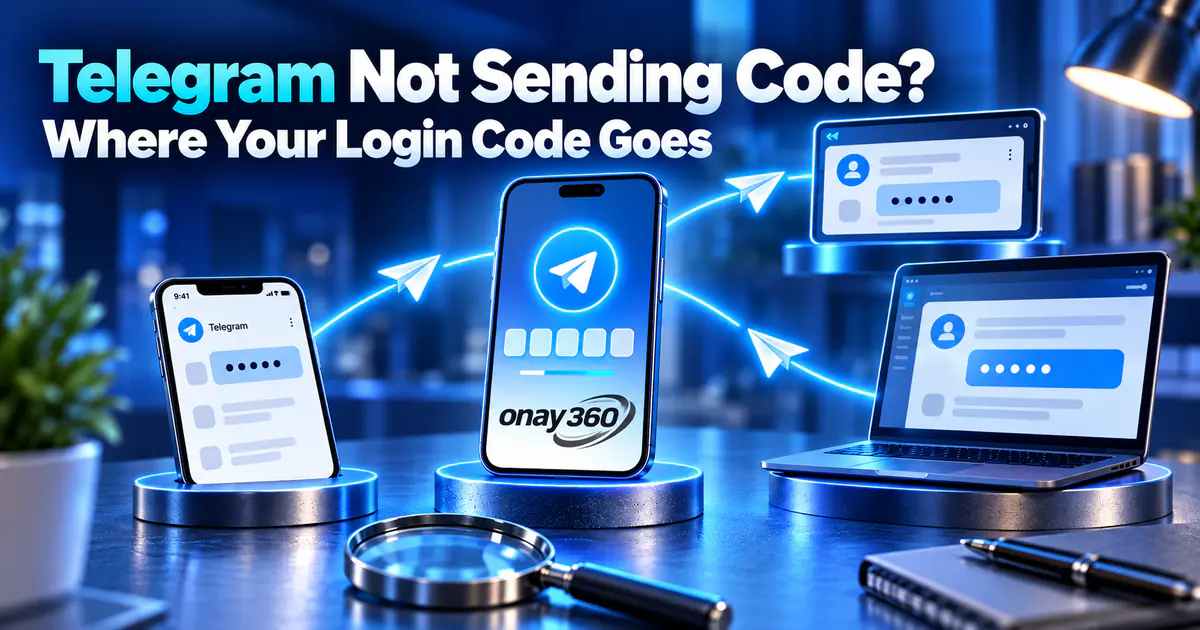

When Telegram isn't sending a code, the fix depends on which number you're waiting on. If your account is already signed in on another device, the code is most likely there. If you're creating a new account and your own number isn't an option, or you'd rather not share it, you'll receive the code on a virtual number, and the country you choose is what matters most.
Signed in on another device? Check there first
According to Telegram's FAQ, if you've recently used Telegram on another device, the login code is sent to the Telegram app on that device instead of by SMS. It arrives as a message from the official "Telegram" account, so check your computer or old phone.
If you aren't signed in anywhere else, use the option on the login screen to get the code by SMS. Requesting codes back to back makes Telegram pause sending for a while. Other checks for your own line are in our guide to missing verification codes.
When your own number won't work
Sometimes the problem isn't the code but the number itself:
- Your number is already linked to a Telegram account and you want a second one; Telegram needs a separate number for each account.
- You don't want your personal number visible on an account you'll use for a community or for work.
- Telegram won't accept your number.
In these cases you can receive the code on a number reserved for you. Country options and current prices are on our Telegram virtual number page.
Why a Telegram code doesn't reach a virtual number
When you create a new account with a virtual number, you aren't signed in anywhere else, so the code comes by SMS. If it doesn't arrive, the most likely cause is the checks Telegram applies to numbers from that country or to certain number ranges. A country that works well one day may do worse the next, so choose by current success rate rather than at random.
Pick the country with "Recommended countries"
The "Recommended countries" option on the Onay360 order screen is on by default. When it's on, the countries with the highest success rate for Telegram are listed and sorted by that rate. Place your first order from the top of this list, and after an order with no code, move to the next country instead of retrying the same one. Other factors are covered in our country selection guide.
Make the most of the order window
- As soon as the number appears in your panel, enter it in Telegram, selecting the country code and leaving out any leading zero.
- Orders stay active for 5 minutes. When Telegram sends the code, it appears on your order screen.
- If no code arrives, the order is cancelled automatically when time runs out and the amount returns to your balance. You can also cancel it yourself before a code arrives.
- Place a new order instead of requesting codes on the same number again and again.
Protect the account once it's created
A Telegram account is tied to its number; logging in from a new device sends a code to that number or to devices where you're signed in. Since the virtual number won't be yours later, go to Settings > Privacy and Security > Two-Step Verification right away and set a password and recovery email. According to Telegram's explanation of two-step verification, logging in then requires both the code and your password.
Keeping the account signed in on your computer lets future login codes reach you there. More steps are in our guide to keeping your account.