
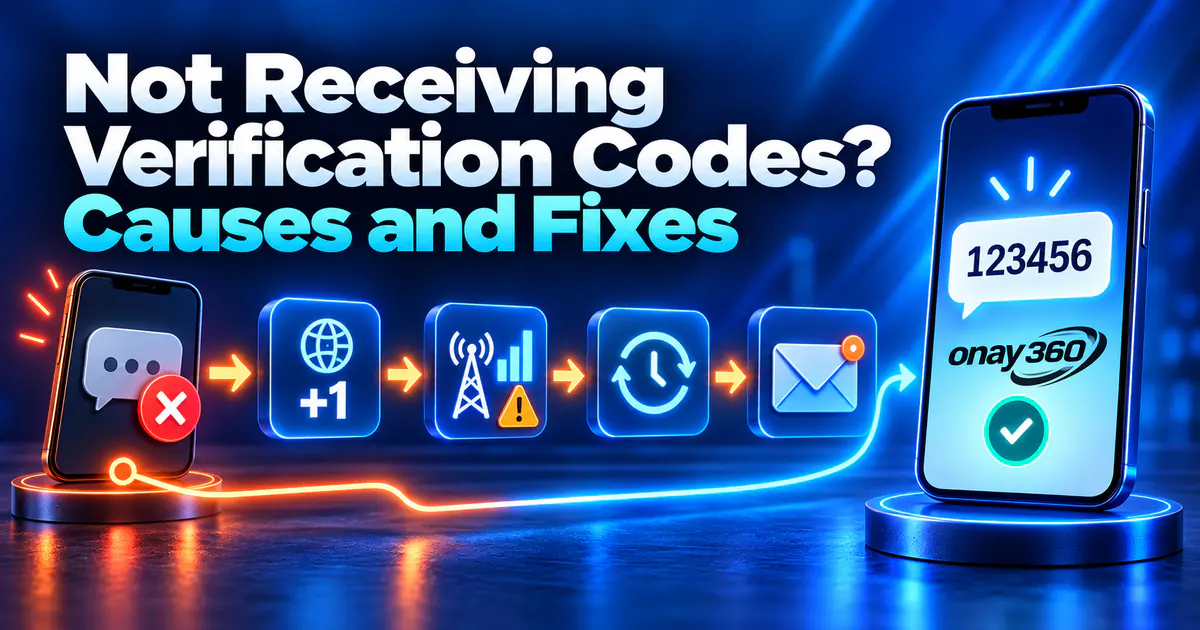

When verification codes don't arrive, the fix depends on whether you're waiting on your own line or on a virtual number. On your own number, the cause is usually a phone setting that a few checks will fix. On a virtual number, the target platform largely decides whether a code is sent, and choosing the right country is the most effective step.
Not receiving codes on your own number: quick checks
- Is the number correct? The country code may be entered twice, or an extra leading zero added.
- Was the code sent by SMS? Some platforms send codes by email, voice call or in-app notification.
- Did you request codes back to back? After many requests, platforms pause sending for a while. Wait for the countdown to end.
- Does the phone have signal? Airplane mode, weak signal or roaming turned off abroad will stop texts.
- Are texts being filtered? Check your spam folder and blocked senders; some carriers and prepaid plans also block short codes.
For Google accounts, the 2-Step Verification troubleshooting page walks through the same checks and the backup options to use when texts don't arrive.
When your own number won't work
Sometimes you can't finish verification with your own number even when codes arrive:
- Your number is already linked to an account on the platform and you want a new one.
- The platform doesn't accept sign-ups from your country.
- You don't want to share your personal number for a trial or promotion.
In these cases you can receive the code on a virtual number and read it in your Onay360 panel.
SMS code not received on a virtual number
A platform may restrict numbers from certain countries or apply stricter checks to certain number ranges. So on a virtual number, skip the settings and follow these steps:
- Check the service. The service on your order must match the app you're verifying. Numbers are assigned to the selected service only.
- Use recommended countries. With the "Recommended countries" option turned on, the order screen lists the countries with the highest success rate for the selected service, sorted by that rate. Place your first order, and any retry after an order with no code, from the top of this list.
- Enter the number right away. Once the number is assigned to your panel, the order is valid for 5 minutes. When the platform sends the code, it usually appears on the order screen within moments.
- Place a new order instead of waiting. If no code arrives, the order is cancelled automatically when time runs out and the amount returns to your balance. You can also cancel it yourself from the panel before a code arrives.
Hitting "resend" again and again rarely changes the outcome; if the platform isn't accepting the number, a new number is faster. What to look for when choosing a country is explained in our country selection guide.
Quick diagnosis by symptom
| Symptom | Likely cause | What to do |
|---|---|---|
| The platform says the number is invalid | Wrong country code, or the platform doesn't accept numbers from that country | Check the number; on a virtual number, choose a recommended country |
| You can't request a new code; a timer is shown | Too many attempts in a short time | Wait for the timer, then send a single request |
| The platform says the code was sent, but no SMS | Carrier delay or the number can't receive the text | Check settings on your own line; on a virtual number, place a new order |
| A code arrived but is rejected | An older code was entered or it expired | Use only the latest code |
| The code went somewhere other than SMS | The platform uses email, a call or an in-app message | Check the delivery method shown on screen |
App-specific behavior
Telegram may send your login code to the Telegram app on another device where you're signed in, instead of by SMS. WhatsApp adds a waiting period when too many codes are requested, and that wait can grow with each attempt. See our guides for WhatsApp verification code not received and Telegram verification code not received for details.
When to contact support
On Onay360, if a cancelled order's amount doesn't appear in your balance or an order's status doesn't update for a long time, open a support ticket from your panel and include the order number. A platform refusing to send a code to a number is outside Onay360's control; in that case the fastest fix is a new number from a recommended country.