
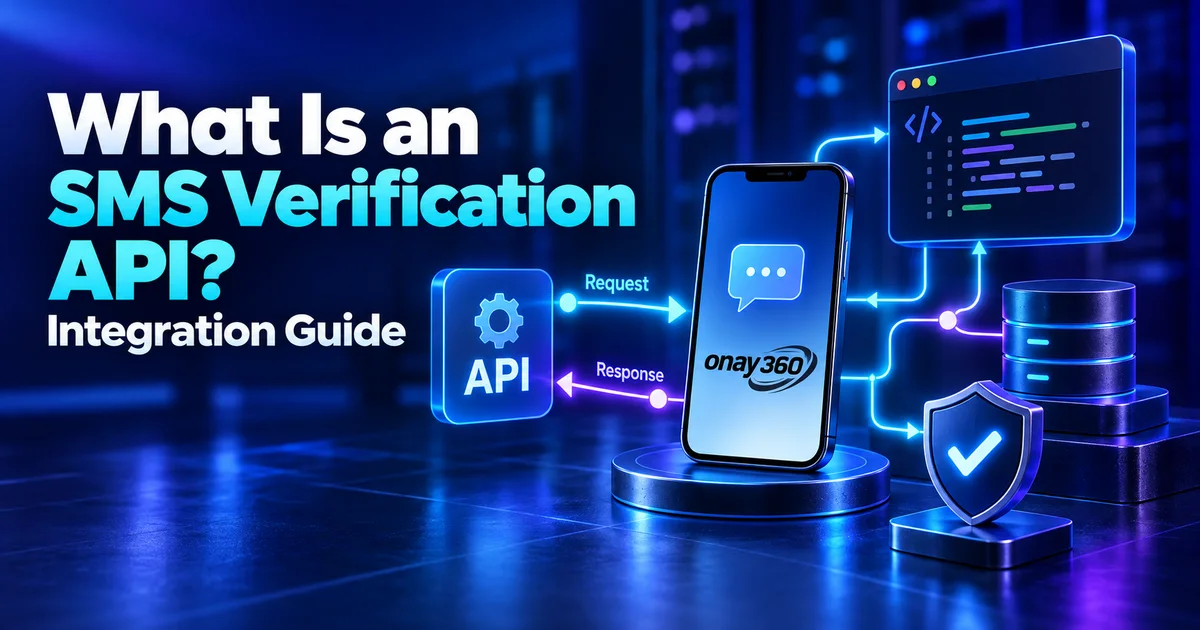

An SMS verification API lets you get numbers and read verification codes from your own software instead of the web panel. It's built for test automation, teams that check SMS flows across many apps and developers who want these steps inside their own systems.
What does an integration involve?
A verification cycle with the Onay360 API uses five endpoints:
- Check your balance:
GET /api/v1/user/profilereturns your balance and account details. - Get services and prices:
GET /api/v1/serviceslists services, supported countries and live prices. Prices change, so refresh this list before each order. - Get a number: send the service and country code to
POST /api/v1/user/buy. The response includes the order ID, the phone number and the remaining time in seconds (expires_in); the price is deducted from your balance. - Read the code: poll
GET /api/v1/user/orders/{id}. When the code arrives, thesms_codefield is filled in. - Cancel: an order with no code can be cancelled with
POST /api/v1/user/cancel, which refunds the price. Orders that already received a code can't be cancelled.
Every response is JSON with a success field and a requestId you can use for tracing.
Authentication
Send your API key with every request in the Authorization: Bearer YOUR_API_KEY header. The key can also be passed as a URL parameter, but that can expose it in server logs and browser history, so we recommend the header.
Example flow
This Node.js example gets a number, checks for the code every 5 seconds and cancels the order if time runs out:
const API = 'https://onay360.com/api/v1';
const headers = {
  Authorization: `Bearer ${process.env.ONAY360_API_KEY}`,
  'Content-Type': 'application/json',
};

async function call(path, options = {}) {
  const res = await fetch(`${API}${path}`, { headers, ...options });
  const json = await res.json();
  if (!json.success) throw new Error(json.error?.message || 'API error');
  return json.data;
}

async function getCode(service, country) {
  const { order } = await call('/user/buy', {
    method: 'POST',
    body: JSON.stringify({ service, country }),
  });

  const deadline = Date.now() + order.expires_in * 1000;
  while (Date.now() < deadline) {
    await new Promise((r) => setTimeout(r, 5000));
    const { order: current } = await call(`/user/orders/${order.id}`);
    if (current.sms_code) return { phone: order.phone, code: current.sms_code };
  }

  await call('/user/cancel', { method: 'POST', body: JSON.stringify({ id: order.id }) });
  return null;
}
Take service and country codes from the /services response rather than hard-coding them. If a country doesn't deliver a code, a new order for the same service in another country works better than waiting on the same number.
Rate limits
- Each IP address and each API key can make up to 100 requests per second.
- Exceeding the limit 5 times within 10 minutes blocks access for 10 minutes.
Polling an order several times a second won't make the code arrive faster. Checking every few seconds keeps you well within the limits and is fast enough.
Keeping your API key safe
Your API key can spend your balance. Use it only on the server side; never put it in a web page, mobile app or public code repository. Store it in an environment variable rather than in code, and rotate it if you think it has leaked. OWASP's Secrets Management Cheat Sheet goes into more detail.
Where to start
All endpoints, parameters and sample responses are in the API documentation. After creating your API key in the panel, run your first test with a low-cost service and a high-success country. To do the same without code, use the SMS verification panel directly; the user-side flow is explained in our guide to how verification works.